Using Insta360 Studio
It is possible to take a spherical panorama image, program a flight path in Insta360 Studio, and export it as a movie. This provides a quick, easy flyby that can refine a future video plan or become part of a final project.
What you need
Insta360 Studio is available for Windows and macOS. The desktop software is free and can work with a spherical panorama even if it was not captured with an Insta360 camera.
Basic instructions
- Import your 360-degree JPG panorama into Insta360 Studio.
- Use the keyframe timeline to set the starting view and create the first keyframe.
- Add additional keyframes wherever you want the virtual camera to change direction or framing.
- Spin or move the 360 image to the final view and add a closing keyframe.
- Preview the motion, refine the timing, and export it as a smooth 4K video.
Sample spherical panorama
This web sample was reduced from 12,000 × 6,000 pixels to 2,048 × 1,024 pixels.
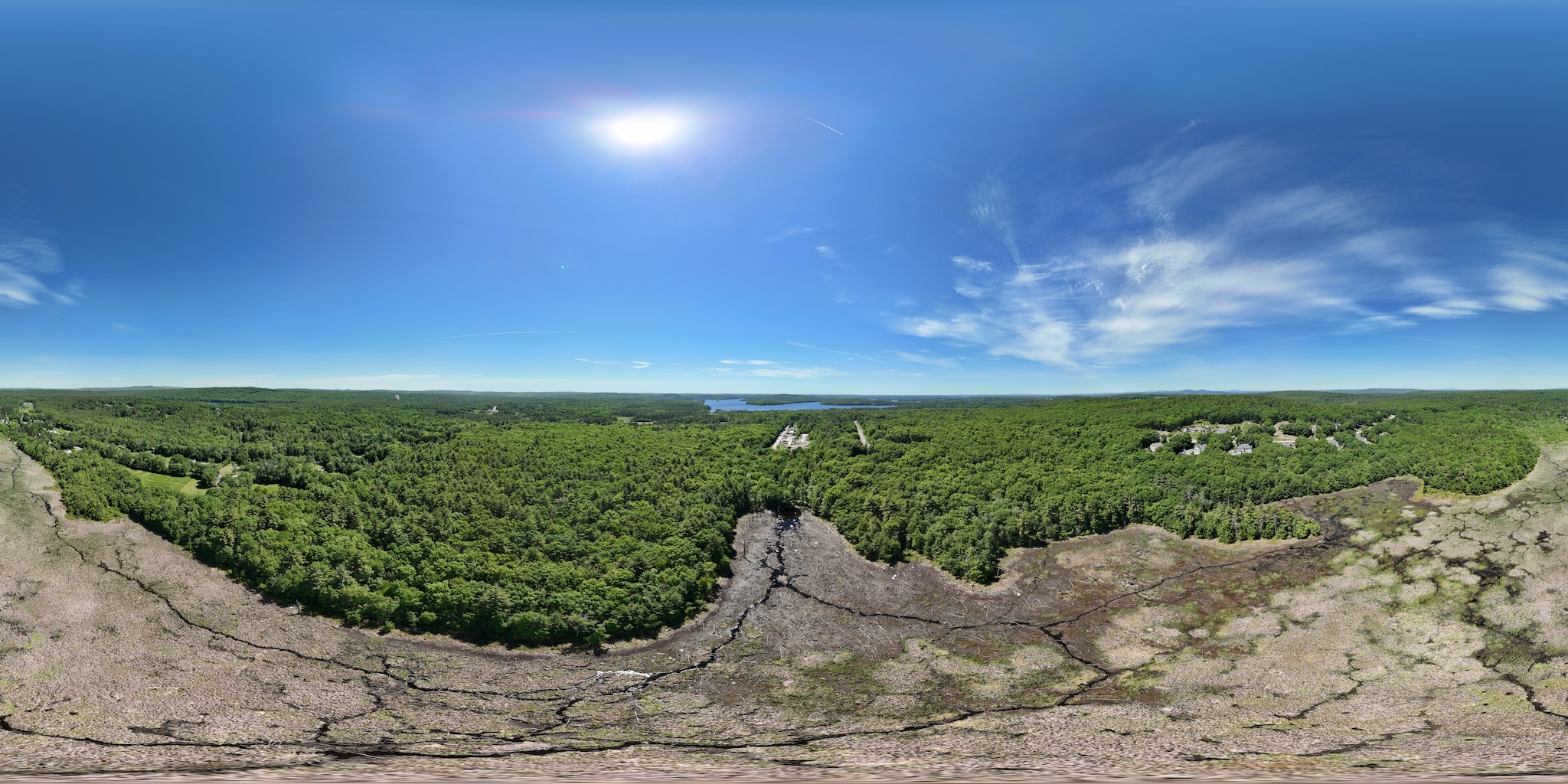
Try the 360 view
Drag to look around, or use the square control to open the panorama full screen.