Using Insta360 Studio to Animate Flying Around a Spherical Panorama
It is possible to take a spherical panorama image and program a flight path in Insta360 and then export as a movie. This lets you quickly and easily provide a client a flyby of an area. This can be used as a tool to refine what video you should capture or as part of your final product.
Insta360 Studio (Windows / macOS):
Even if you don’t use their cameras, their desktop software is completely free and excellent for this. You can download it here: Insta360 Studio Download and Installation
Basic Instructions:
- Just import your 360
.jpgpanorama - Use the keyframe timeline to set your starting view keyframe (point)
- Add additional keyframes (points) as you want
- Spin/move the image 360 to your final view and add a closing keyframe (point)
- Export it as a smooth 4K video
Sample Spherical Panorama Image (reduced in size from 12000×6000 to 2048×1024 for the web):
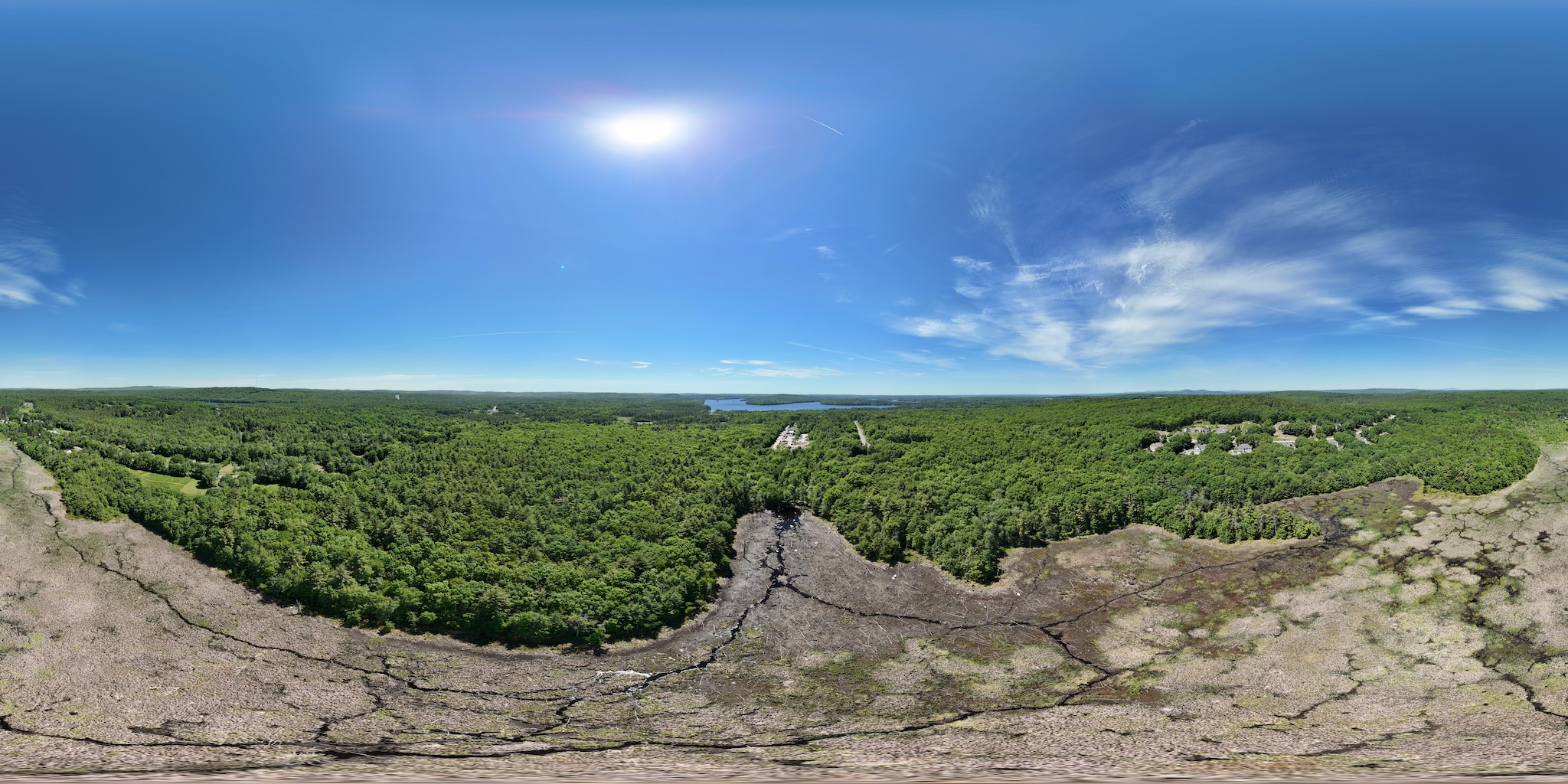
Sample 360 View using the Pannellum Viewer – click the square to go full screen:
Sample Video made using Insta360 and the above image: